Frequently asked questions · A little clarity before Christmas
Good questions.
Thoughtful answers.
What you get, how it works, and how to keep your plans safe—before you choose your holiday companion.
01What do I receive?
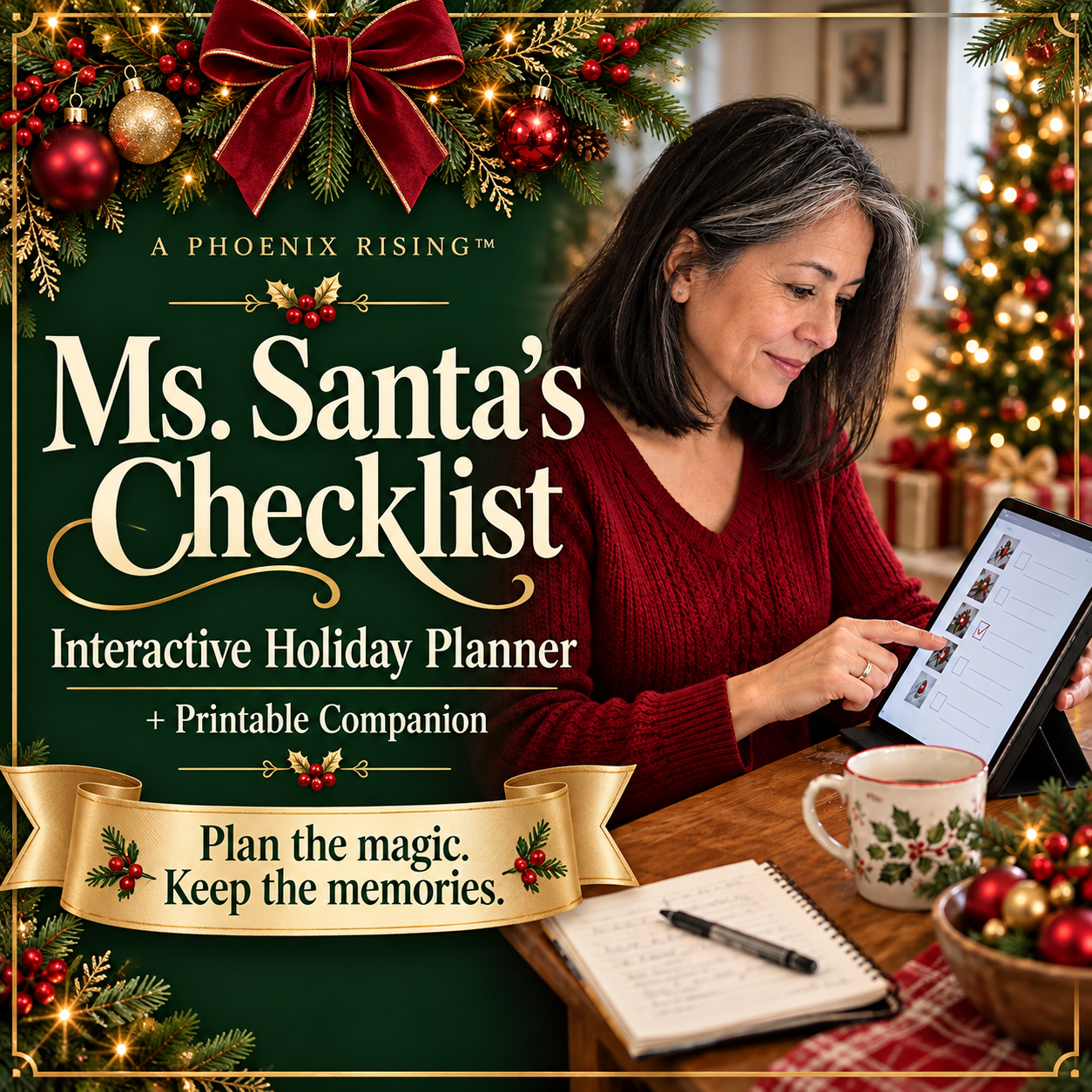
One downloadable ZIP containing the five-section interactive HTML planner, a printable companion HTML file, and getting-started instructions. It is a digital product; no physical planner or device is shipped.
02Can I print the planner?
Yes. Print a completed section from the tool, or open the printable companion for blank worksheets. Your browser can also save printed output as a PDF. Handwritten changes do not sync back to the interactive tool.
03Will it work on my phone or tablet?
The layout adapts to smaller screens, but opening downloaded HTML files varies by device. A desktop browser is recommended. Some Android file-preview apps disable interactive scripts; open the extracted HTML in a full browser where supported.
04Where are my plans and journal entries saved?
They save in your browser on your device when browser storage is available. They are not written back into the original HTML file and are not automatically saved to the cloud. Use the same browser and file location to return to your plans.
05How do I back up or move my planner?
Use Download backup in the tool to save a JSON file. Keep it somewhere you can find again. On another supported device or browser, open the tool and restore that file. Restoring replaces the planner’s current entries after confirmation.
06Does it need an account, subscription or internet connection?
The downloaded tool does not require an account, subscription, bank connection or internet connection to run. You need internet access to purchase and download it initially.
07How are meal expenses counted?
The actual cost paid in each meal entry joins your holiday spending total automatically. Other actual payments are entered in Expenses. Do not enter the same meal payment twice. Planned meal costs are shown separately.
08Is there a separate gift list?
Gift planning uses the Checklist, notes and the Gifts expense category. You can create tasks for buying, wrapping and mailing, and record the amounts paid. There is no separate recipient registry or automatic gift-status tracker.
09Can my whole family edit it together?
It helps one user plan family activities and print summaries to share. It does not include shared accounts, live collaboration or automatic synchronization across devices. The personal-use license is one purchaser, one user.
10Can I reuse it next year?
Yes. The calendar supports your chosen month and year. Back up the existing planner before changing or deleting entries for a new season. There is no automatic year-end archive or rollover.
11Does the calendar send reminders to my phone?
No. Events and open task due dates are displayed inside the tool. It does not send push notifications or emails, or sync to an external calendar.
12Is this a one-time purchase?
Yes. The current launch offer is $11.99 for the downloadable planner, printable companion and getting-started instructions. There is no recurring subscription. Confirm the price shown at checkout before purchasing.
13Can I get both planners together?
Yes. The Holiday + New Chapter Bundle includes Ms. Santa’s Checklist and From “Someday” to Day One, each with a printable companion. Both for $14.49 instead of $23.98 combined—save $9.49. Explore the bundle.